Overview
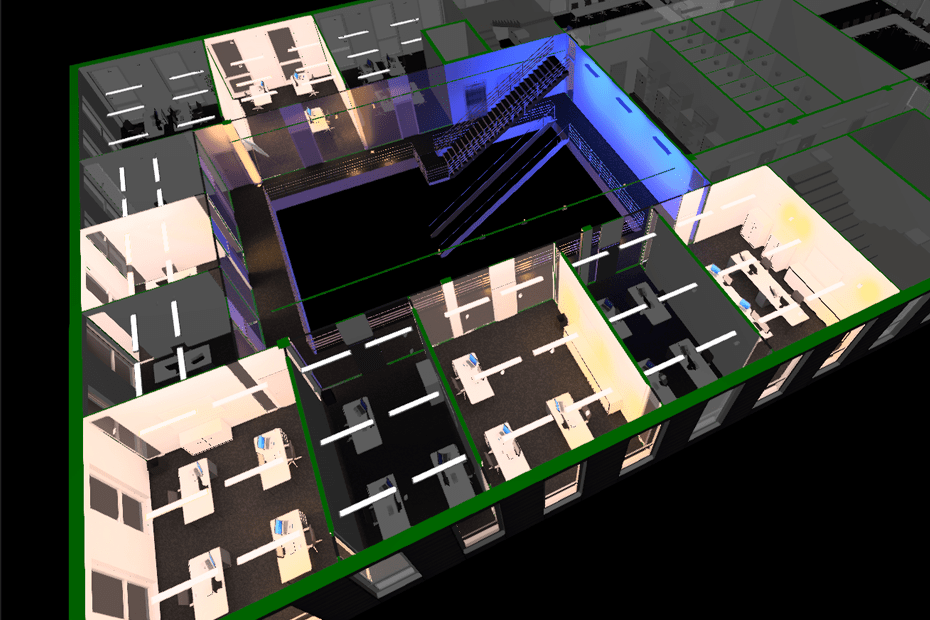
With Additive Light Calculation (ALC), DIALux evo 14 introduces a new method for calculating lighting design projects on a room-by-room basis in order to calculate large projects more efficiently and conserve resources. Instead of processing the entire project in one go, sub-spaces are calculated separately and the results are then added together.
Basic principle
With Additive Light Calculation, each room or space is calculated independently.
DIALux evo saves the result of this partial calculation and adds it to the overall result later.
Rooms that have already been calculated retain their values, while new rooms or spaces can be added as needed.
This additive approach makes it possible to calculate large projects room by room as needed.
Application
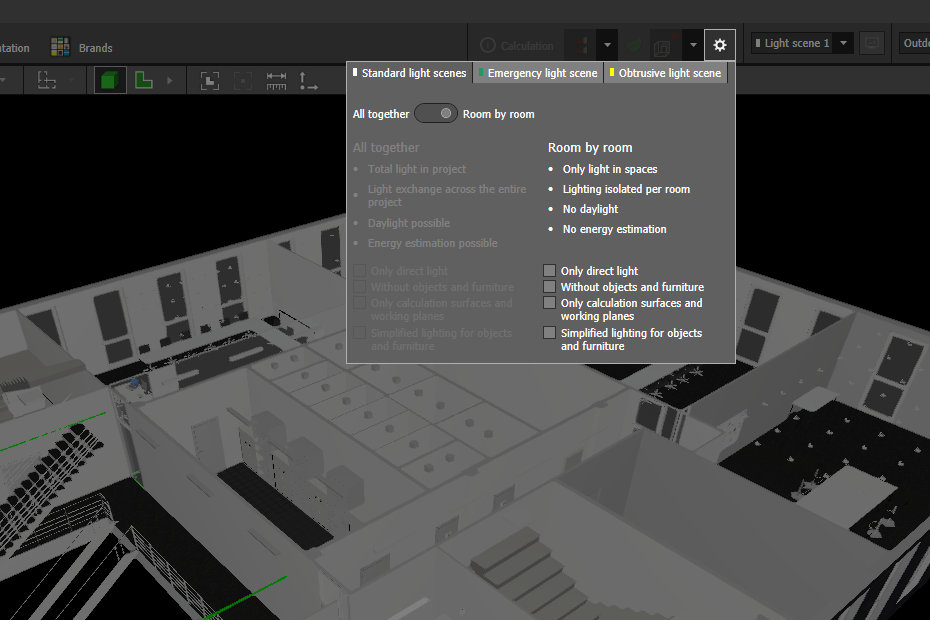
Activation in the calculation settings
The room-by-room calculation can be activated in the calculation settings.
The option “Room-by-room calculation” is now located where the context calculation was previously available.
If this option is activated, DIALux evo calculates only the room that is currently visible in the view when the calculation is started.
Calculation via the context menu
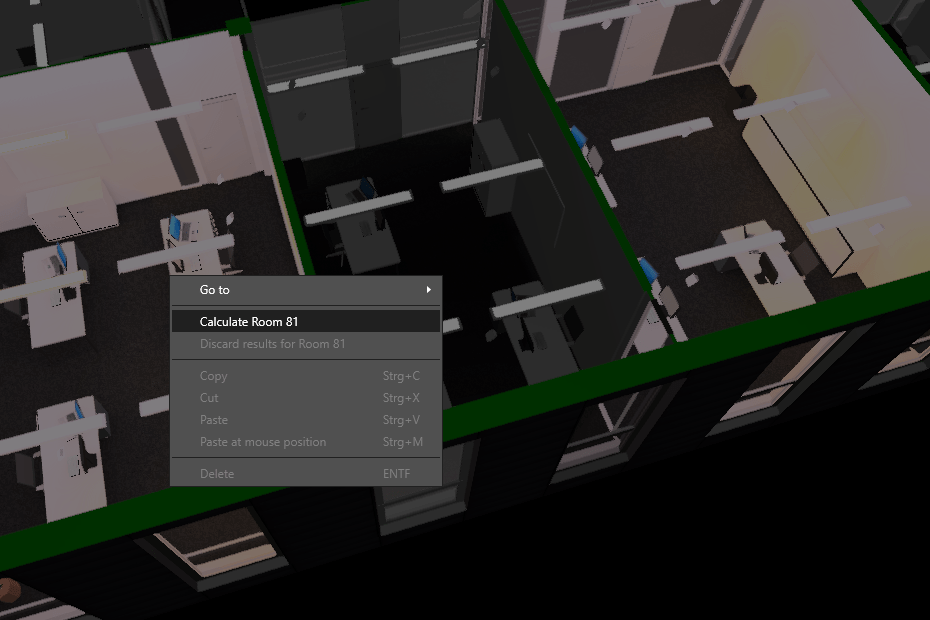
Alternatively, a room can also be calculated directly in the building or room view.
The “Calculate room” function is available via the context menu (right-click on the room).
This means that only this room is calculated.
Behavior and technical conditions
Light exchange between rooms
Light that is transferred between rooms - for example, through windows, doors, or other openings - is not taken into account.
Each room or space calculation is performed independently, without mutual influence.
Exceptions are surfaces that belong to both rooms, such as transitions, openings, or floor surfaces that are not separated by the rooms.
Overlapping rooms or spaces
If spaces extend across multiple rooms or rooms and spaces overlap, either the room or the space can be calculated.
The most recently calculated result takes precedence and replaces the previous one. We generally recommend calculating rooms, as spaces are less relevant to the actual geometry. Exceptions to this rule include stairwells, for example.
Geometry changes
If the geometry, spaces, or lighting specifications of the project change, all previously saved calculation results lose their validity.
In this case, DIALux evo offers a function to automatically update and recalculate all affected rooms.
Result display
In the respective project views (room, storey, building, or site), you can see at any time which rooms or spaces have already been calculated and which are still pending.
Summary
Additive Light Calculation (ALC) enables modular and resource-saving calculation in DIALux evo 14.
It is particularly suitable for large projects with many rooms where a complete calculation is not necessary or where the planner approaches the overall result piece by piece. The method expands existing planning methods with a flexible, room-based approach.
Advantages of the ALC method
- Enables very large projects to be calculated step by step
- Reduction of memory load for very large projects
- Shortened calculation times for partial changes
- Possibility of step-by-step, traceable calculation
Limitations
- No light exchange between rooms
- No simultaneous calculation of overlapping rooms and spaces
- Partial calculations must be redone when geometric changes are made
- Only geometry and luminaires within the space are taken into account. For realistic results, it is recommended to calculate entire rooms. Exceptions to our recommendation may be spaces that are created manually, e.g., for stairwells.